

Alnair Pay
Virtual Account & QRIS
Payment Gateway
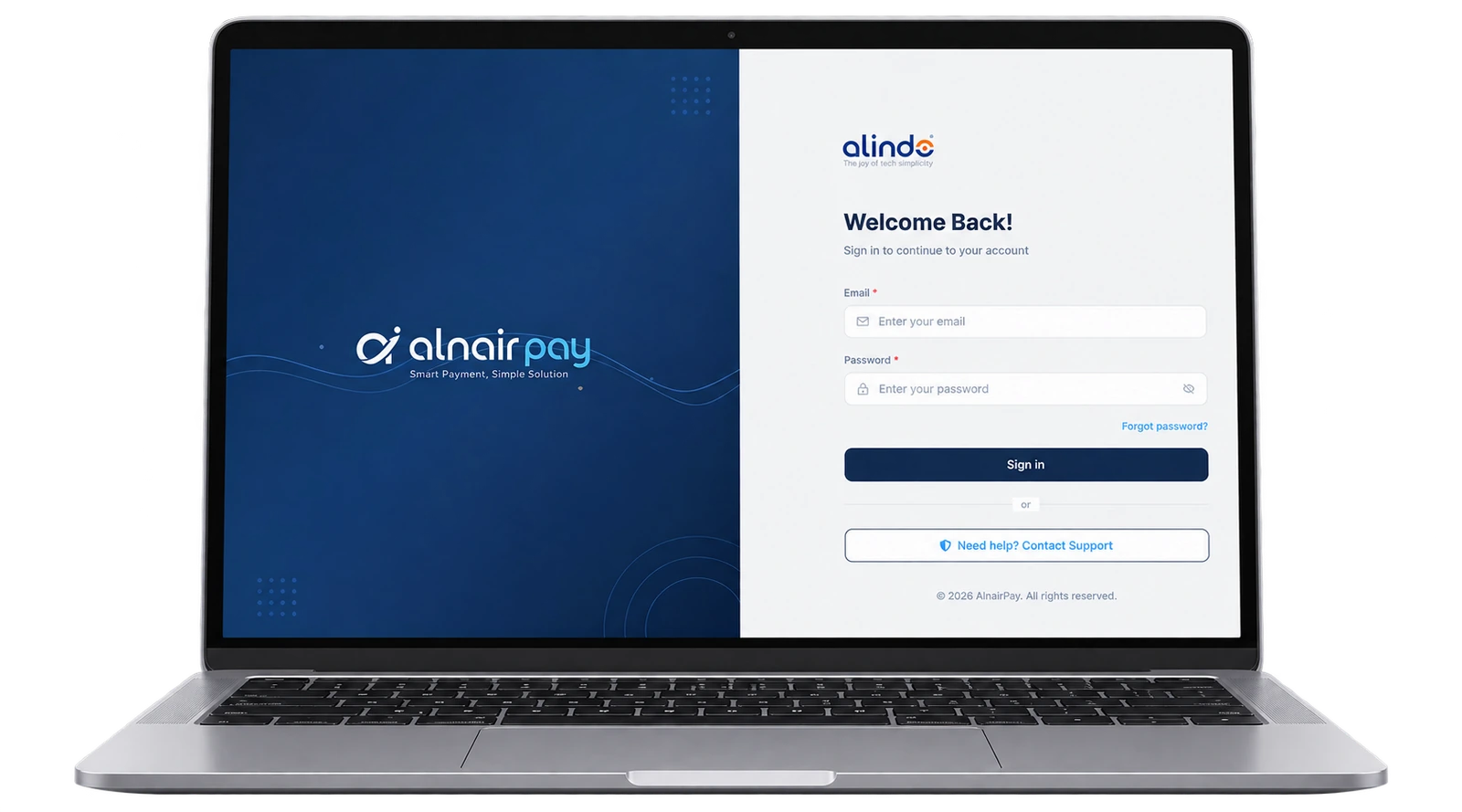
Smart payment, simple solution. Alnair Pay brings multi-bank Virtual Accounts, QRIS across every e-wallet, and credit card payments into a single integration — with automatic reconciliation, instant notifications, and full clarity on where every rupiah goes.
Want to compare plans first? See pricing on alnairpay.id
99.9%
System uptime
15+
Banks & e-wallets
<3s
Payment confirmation
Integrated with the banks, e-wallets & cards your customers already use
- BCA
- Mandiri
- BNI
- BRI
- CIMB Niaga
- Permata
- Muamalat
- GoPay
- OVO
- DANA
- ShopeePay
- LinkAja
- Credit Card
6 Features · 1 Dashboard
Everything You Need to Accept Payments, in One Dashboard
From automatic Virtual Account creation to dynamic QRIS, Alnair Pay is built so your finance team never has to match bank statements by hand again.
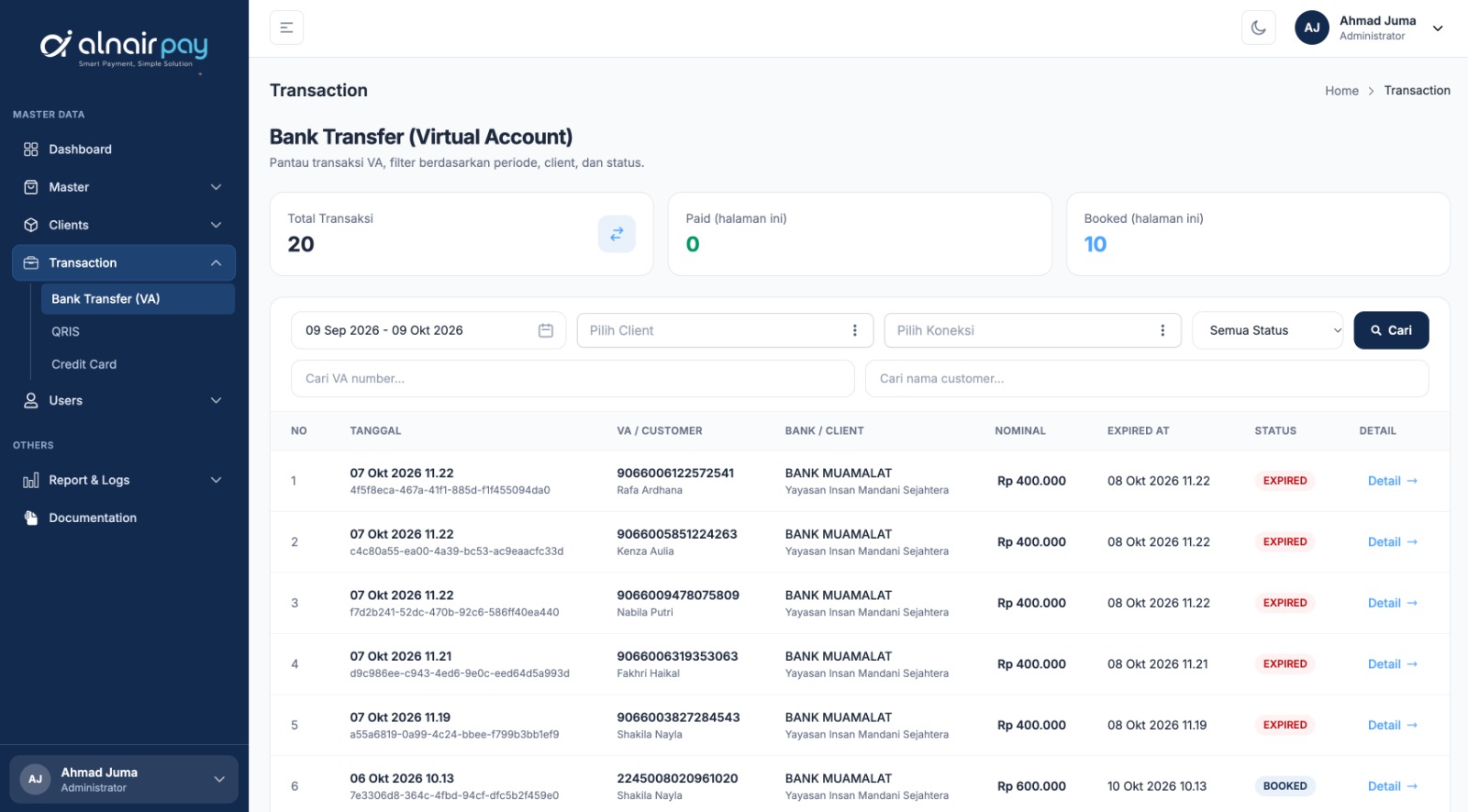
Multi-Bank Virtual Account
Issue a unique Virtual Account number for every transaction across partner banks, verified automatically the moment the funds arrive. Customers pay from any m-banking app, ATM, or internet banking — and nobody has to match transfers by hand.
- A unique VA number generated for every transaction
- Created from the dashboard or through the API
- Paid status confirmed by webhook and recorded in your reports
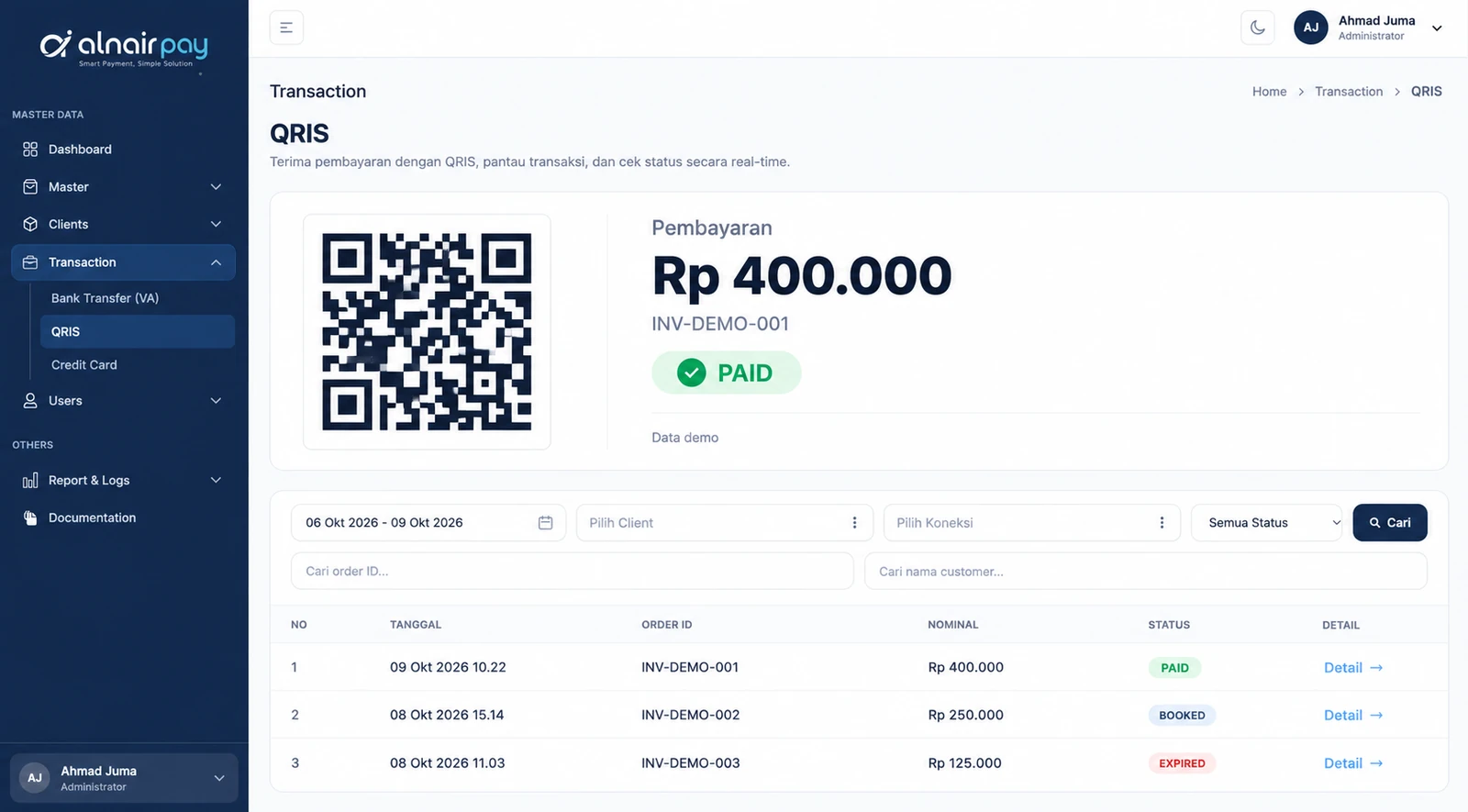
Dynamic QRIS
One QR code accepts payment from every e-wallet and m-banking app that carries the QRIS logo. Each code is generated dynamically for the exact transaction amount, and the payment is confirmed within seconds of the scan.
- Works with GoPay, OVO, DANA, ShopeePay, LinkAja, and QRIS-enabled m-banking apps
- The amount is set by the transaction, so customers never type it in
- Payment confirmed in under 3 seconds
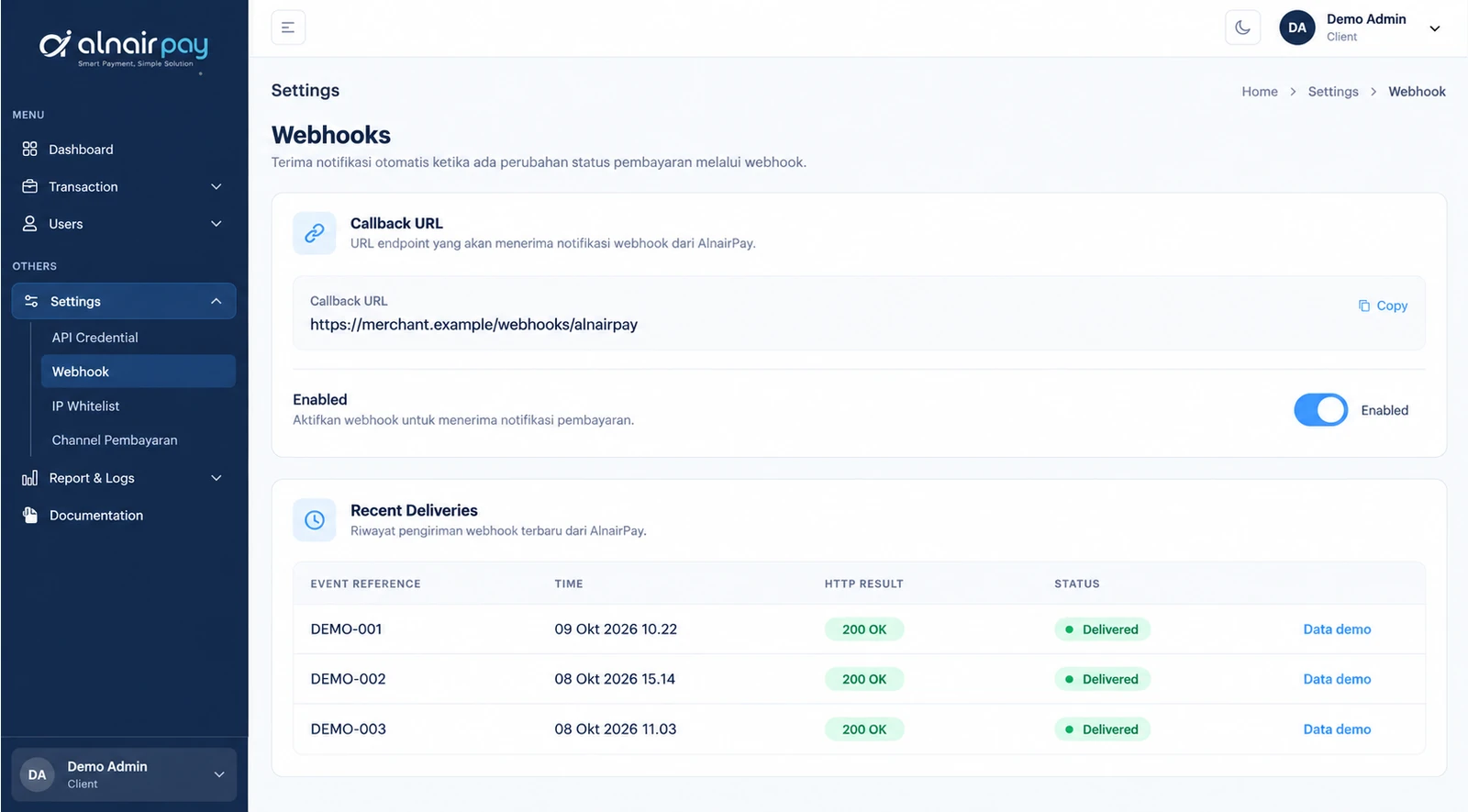
Real-time Notifications
Webhooks and callbacks fire automatically the moment a payment’s status changes, so your system learns about every payment as it happens — no polling, no manual checks. You set the callback URL yourself, right from your client dashboard.
Automatic Reconciliation
Every Virtual Account and QRIS transaction lands in a single report, ready to export for accounting — so month-end no longer means matching bank statements line by line.
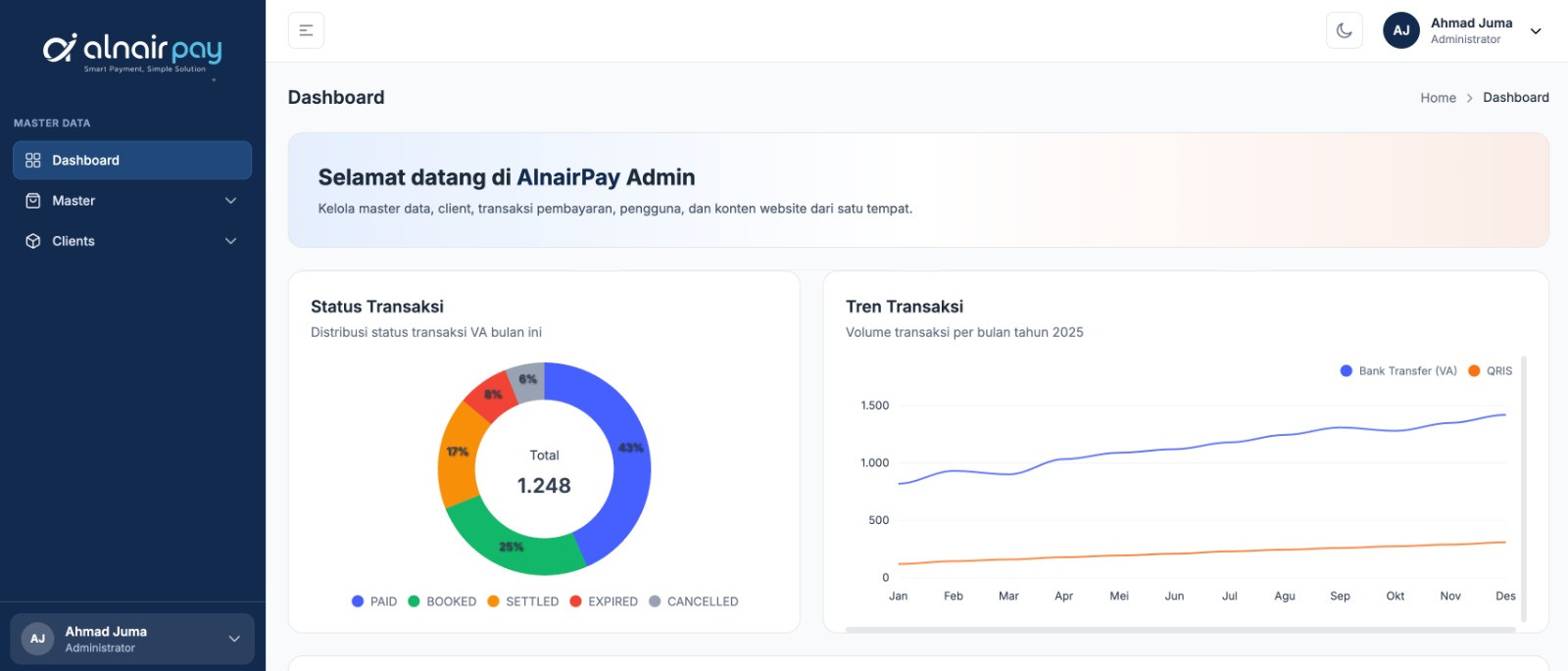
API & Clear Documentation
Integrate through a REST API with ready-to-use code samples, and test every payment flow in the sandbox before you go live.
- REST API with clear documentation
- Ready-to-use code samples
- A sandbox to test everything before going live
- Client ID and Client Secret credentials, copied straight from your dashboard
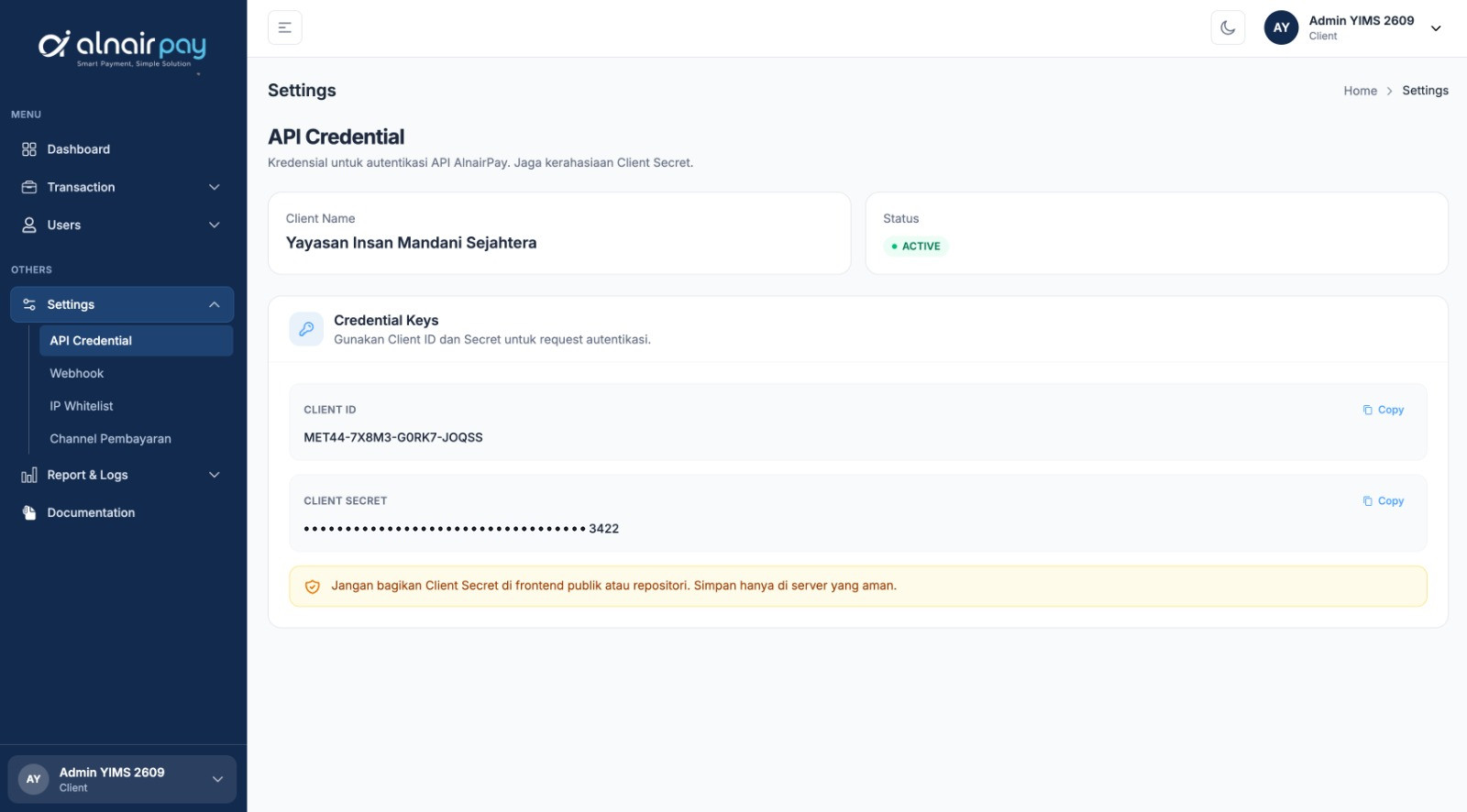
Bank-grade Encryption
Every transaction is protected by end-to-end encryption and watched by anti-fraud monitoring around the clock. See how we keep payments safe.
- End-to-end encryption on every transaction
- 24/7 anti-fraud monitoring
- No card data stored
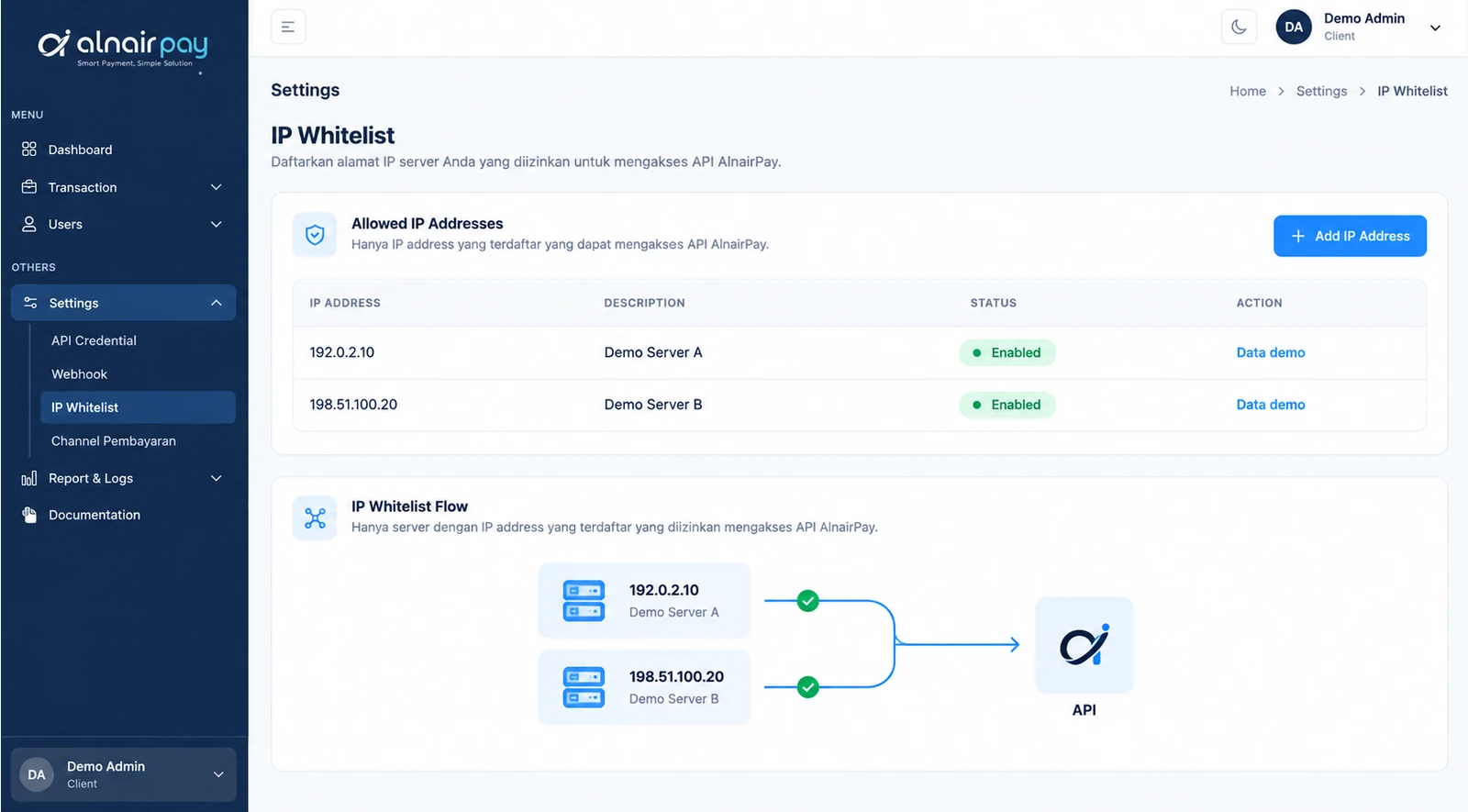
- IP whitelist, so only your servers can call the API

From Invoice to Reconciled Funds, Here’s the Flow
Pick a payment method to follow each step, from the moment an invoice is created to the moment the funds are verified.
-
Create an Invoice
Send the amount and transaction reference through the Alnair Pay dashboard or API.
-
VA Number Issued
A unique Virtual Account number is generated automatically for the customer’s chosen bank.
-
Customer Transfers
Payment is made through any m-banking app, ATM, or internet banking.
-
Funds Verified
Paid status is delivered by webhook and recorded automatically in your reports.
-
Generate the QR Code
The system creates a dynamic QRIS for the exact transaction amount, instantly.
-
Customer Scans
The code is scanned with any e-wallet or m-banking app that supports QRIS.
-
Instant Confirmation
The payment is verified within seconds of the scan.
-
Reports in Sync
The transaction lands in the dashboard automatically, alongside your VA data in one view.
Security
Security Standards as Serious as Your Money
Every transaction passes through multiple layers of verification before it is marked successful, with continuous monitoring for anomalies.
- TLS 1.3 Encryption
- Registered & Licensed by Bank Indonesia
- Anti-Fraud Monitoring
- Routine Security Audits
- IP Whitelisting
- Client ID & Secret Authentication
Your Funds Are Verified in Layers, Not Checked Once
Bank validation, anomaly detection, and double confirmation work together to keep every transaction legitimate.
256-bit
Data encryption
24/7
System monitoring
0
Stored card data


Ready to Simplify Your
Business Payments?
Tell us about your business and our team will get in touch to discuss your Virtual Account and QRIS integration.
Want to compare plans first? See pricing on alnairpay.id